A free photo editor that runs in your browser
Edit your photos right in the browser: crop, fix colors, apply filters, write on images, compress and convert. No sign-up, no watermark, and nothing ever gets uploaded to a server.
100% private — your photo never leaves your device
Crop & Transform
Crop, resize, rotate and reframe your photos in seconds.
Image Adjustments
Brightness, contrast, saturation, sharpness and blur with a live preview.
Effects & Filters
One-click filters, black & white, sepia, vintage, vignette and more.
Convert & Compress
Compress images and convert between JPG, PNG and WebP — no uploads.
Why EditorFoto.online?
A complete photo editor, without the complications.
Total privacy
Your photos are processed locally in the browser using Canvas technology. They are never uploaded to a server: nobody sees them but you.
Instant
Nothing to install, no account to create. Open the page, load your photo and download the result in seconds — on your phone too.
Free, no watermark
All 24 tools are 100% free. Downloaded images are clean: no watermark and no hidden daily limits.
Photo editing guides
Practical tips to get the most out of your photos.
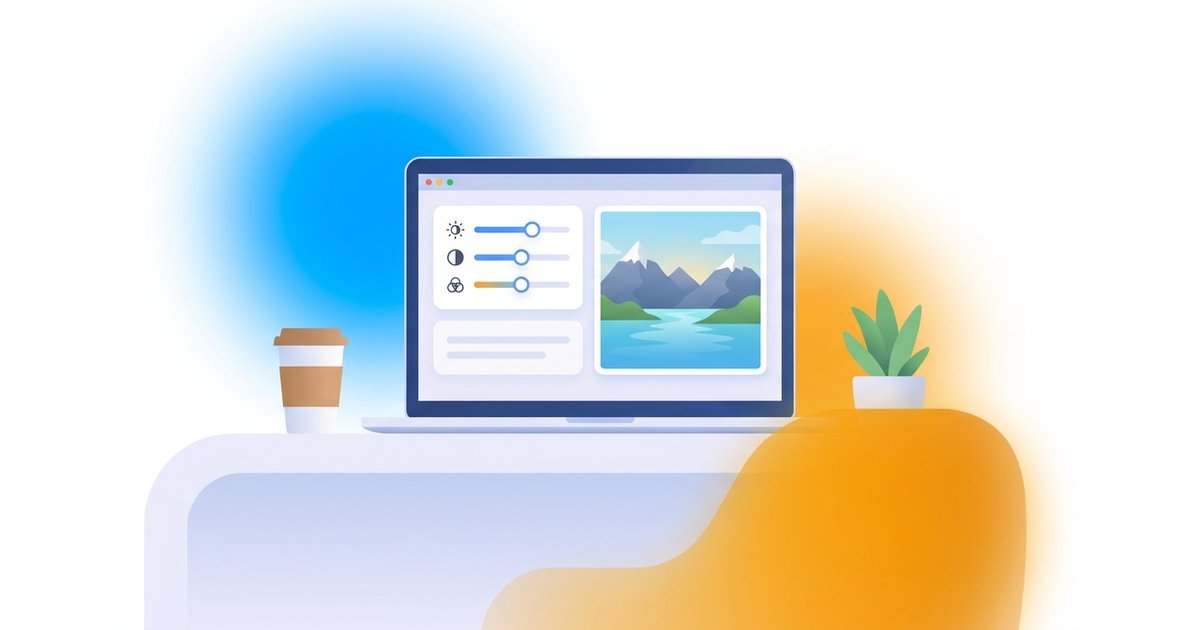
Learn how to edit photos online for free, step by step: crop, fix colors, apply filters, compress and export i…
Up-to-date image size chart for Instagram, WhatsApp, Facebook, TikTok, YouTube and LinkedIn — plus how to resi…
Understand the difference between JPG, PNG and WebP, when to use each format, and how to convert images online…
What is EditorFoto.online?
EditorFoto.online is a free online photo editor that runs entirely in your browser. Unlike software you have to install or services that upload your images to a server, every edit here — from cropping to compression — happens directly on your device.
The project has one simple goal: to offer the photo editing tools people actually need every day, with no sign-ups, watermarks or hidden costs. Load your photo, edit it with a live preview, download it. Done.
What you can do with the editor
- Fix the framing: crop, rotate, flip and resize for social media.
- Correct the colors: brightness, contrast, saturation and sharpness.
- Add style: 12 one-click filters, black & white, vintage and sepia.
- Personalize: write on photos, add borders or rounded corners.
- Optimize: compress and convert to JPG, PNG or WebP.